LG webOS digital signage
Adverro runs on the System-on-Chip (SoC) already inside an LG commercial display, so an LG estate needs no external media player behind any screen. The application installs on the panel itself as an .ipk package, starts on its own after a power cut and is managed from the same platform as every other screen you own, in public cloud, private cloud, hybrid or on-premise deployments.
The tested baseline is webOS 6.0 and above, which covers the UH, UL and comparable commercial series, and the webOS build is tested in our lab against that baseline. This page sets out the baseline, how an LG screen is paired and how the estate is run once it is live.
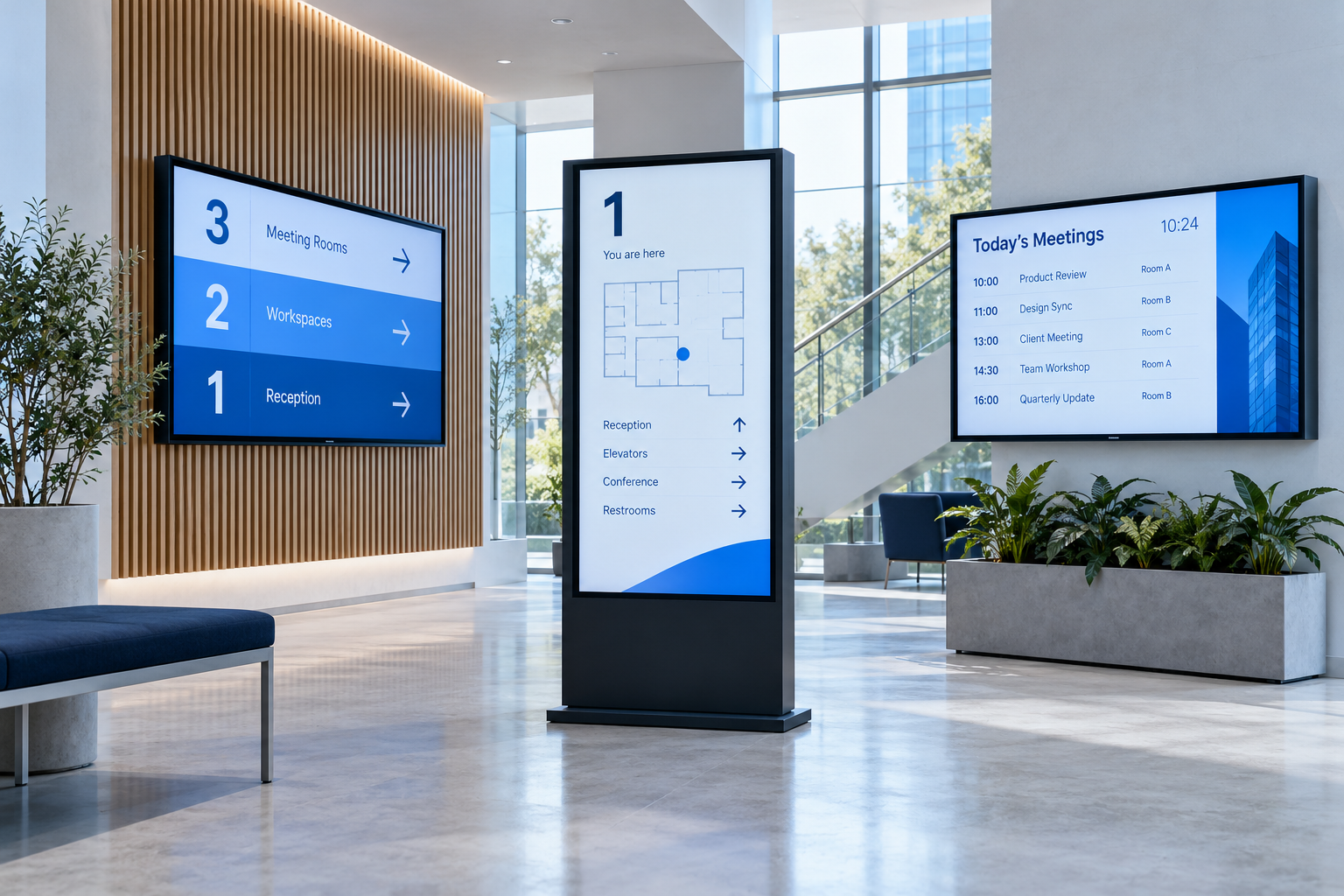
The tested baseline.
LG ships webOS for signage across several generations and the installer route is the same on each. What changes between generations is the panel hardware, so a model list matters more than the webOS version on its own. This is what an engineer checks an LG model list against.
LG webOS
LG’s webOS for Signage runs third-party applications directly on the panel. Adverro runs on that built-in chip: there is no player to mount, cable or power, and nothing to configure on a separate box.
Panels below webOS 6.0, and the same model numbers where they exist in a non-SoC variant, are below the baseline. Where one is already on the wall, a compact Adverro Android or Windows player managed from the same platform takes its place, so an estate migrates gradually rather than all at once.
How an LG screen is brought online.
Everything is done with the remote, starting from a signage factory reset. No panel settings need changing first: the panel checks Adverro’s package server and is directed to the right package for its webOS version, so no USB stick is needed at the screen.
-
Confirm the panel
Check the model and webOS version against the baseline above. Panels carrying the same model number can ship with different firmware in the same batch, so confirm the build rather than the model alone.
-
Install from the package server
From the LG setup wizard, point the panel at the Adverro package URL from your account manager. The panel downloads the .ipk and installs it itself, with no USB stick at the screen.
-
Pair with a six-digit code
When the installation finishes, the panel shows a six-digit pairing code. Enter it in the platform and the display registers against your tenant, with any tag rules your operations team has set enforced at pairing.
-
Group, schedule and hand over
Group the display by site, zone or whatever naming you already use, publish a playlist to the group and hand over to operations through the platform itself: the device list, each device’s last-seen time and the alert summary.
Running an LG estate from the platform.
Power scheduling by cron
LG webOS panels can be switched on and off on a schedule from the platform, using a standard cron expression:
0 7 * * 1-5wakes a screen at 7 am on weekdays and0 22 * * *switches it off at 10 pm every day. Brightness and volume are scheduled the same way.Offline playback from cache
Content is cached on the panel, so playback continues through a network loss and the screen resynchronises when the connection returns. A network fault does not become a dark screen.
Starts on its own
After a power cut the panel starts Adverro itself, so nothing needs opening by hand. We still recommend a scheduled restart once a day to keep the runtime clean across an estate nobody is standing next to.
Video walls
A video wall of LG panels runs through one Windows PC running the Adverro player, driving the physical panels through daisy-chained (looped) displays or a video wall processor, and is licensed as one device.
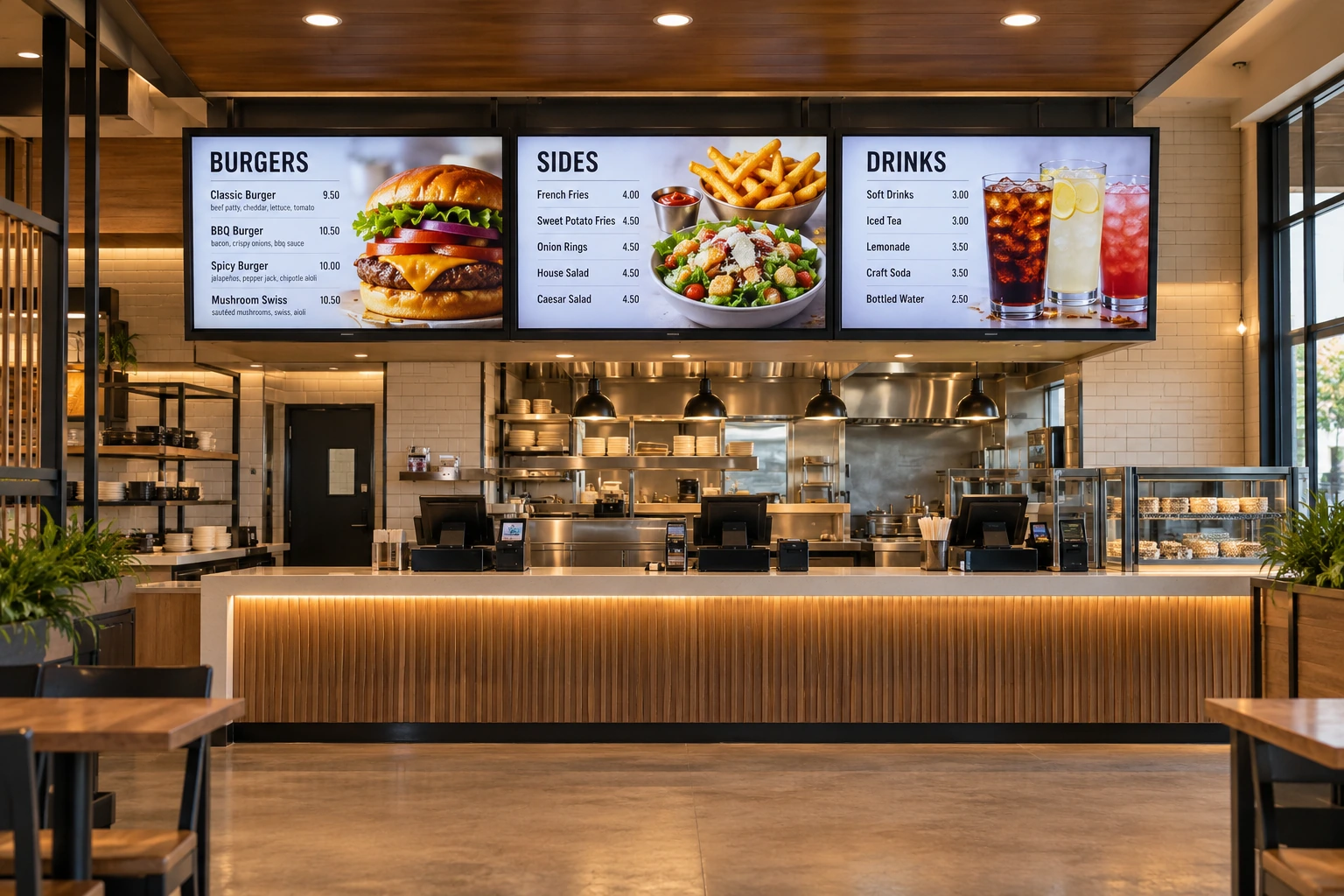
Not only LG.
One platform for every manufacturer on the estate.
Most estates run several manufacturers and several panel generations. Adverro manages LG webOS alongside Samsung Tizen, Android and Windows from one platform, with the same scheduling, the same reporting and the same access control, so migration is a decision you make per site rather than a rip and replace programme.
Send us your LG model list.
Manufacturer, full model number including suffix, webOS version and quantity per site. An engineer confirms each line against the tested baseline and tells you which panels, if any, need a different approach.