
One platform, from design to analytics.
Adverro is a web-based digital signage platform for designing, scheduling, publishing and analysing content across a mixed estate of leading SoC displays, plus Android and Windows players.
Content, devices, reporting and security share one data model, one permission set and one audit trail.

Five steps, one workflow.
Design
Upload media to the library and lay out playlists in a WYSIWYG editor, with zones for each part of the screen.
Schedule
Set when each playlist plays: dates, weekdays, days of the month or a cron expression.
Publish
Send the playlist to the displays you choose, by tag, site or zone, after approval if required.
Render
Each display plays the content on its own chip, or on an Android or Windows player, and keeps playing offline.
Analyse
Every play is recorded, so uptime and proof of play show what was actually on screen.
MediaLibrary foldersPlaylistsSchedulesDisplays
Content and scheduling
Build playlists from images, video and PDFs, then schedule them by date, weekday and day of month, or with a standard cron expression when the pattern is more complex: 0 8 * * 1-5 switches a playlist at 8 am on weekdays. Weather and feed widgets, a web view of any page you control, and HTML templates bound to API variables keep content current without anyone touching the platform. Video in any codec can be uploaded: the platform prepares versions sized and encoded for each display.
- Cron scheduling for playlists and for screen brightness and volume
- Live streams over HLS and WebRTC, and YouTube live with audio
- Weather, feed, web view and HTML widgets with API variables
- Expiry dates and approval states on every media item
- Multi-zone layouts with preview
Device management
Register, group and control every display from one platform. A screen is paired by typing the six-digit code it shows, giving it a name and choosing its tags; nothing else is entered. The pairing screen is documented step by step in the platform documentation.
- Pairing with a six-digit code shown on the panel
- Application updates published centrally and pulled by the device on restart, with the last stable version republished to roll back and a panel held on a version when needed
- Device inventory: model, firmware, app version, resolution and network details
- Brightness and volume scheduled with cron expressions
- Power on and off on a cron schedule on Tizen and webOS; on Android and Windows the same schedule takes the screen to its lowest brightness
Pairing screen

Proof of play and uptime
Every play of every asset on every device is recorded as a play trace, and uptime is calculated from those traces, so availability reflects what actually played rather than whether a device answered a ping. An audit report covering playback events and user activity is emailed on request.
- Play traces per asset and per device
- Uptime derived from playback, per device and per month
- Last check-in and last synchronisation time per device, with a device counted offline after five minutes without a trace
- Device offline alerts and a daily admin report by email

Security and access
Identity, encryption and auditability applied to a device class most organisations leave ungoverned. User actions, content changes, administrative events and device playback are all logged, and the audit report is emailed on request.
- Multi-factor authentication by SMS or email code, enabled per member or per account
- Three roles (Client Admin, Content Manager, Viewer) with access groups
- AES-256 at rest, TLS 1.2 and above in transit
- Sessions end after 24 hours of inactivity
- Audit log of playback and user activity, kept at least 30 days and emailed on request as CSV, XLSX or PDF
What the platform actually shows you.
Devices, all sites
Every registered display, with its model, firmware and app version, its resolution and network details, when it last checked in and last synchronised, the playlist assigned to it, and a play trace for every asset it has shown. The platform reports what the estate is actually doing rather than whether a device answers a ping.
- Every device registered, by site and tag
- Tags and tag rules
- Inventory and play traces per device
| Device | Last activity | Status |
|---|---|---|
| T1_DEPARTURES_04 | Last play 09:41:12, synced 09:38 | Reporting |
| BLR_STORE_MENU_12 | Last play 09:41:09, synced 09:40 | Reporting |
| DEL_LOBBY_TOTEM_02 | No play trace since 08:52 | Check |
| T3-DEP-124 | Not reporting since 09:12 | Offline |
From the display to your enterprise systems.
Adverro is structured in four layers, so a screen network integrates with the rest of your estate instead of sitting beside it as an island.
-
Layer 01
Experience
Every display type and endpoint your sites use today.
- Commercial displaysOn their own chip
- LCD video wallsDaisy-chained or via a processor
- LED wallsVia the LED controller
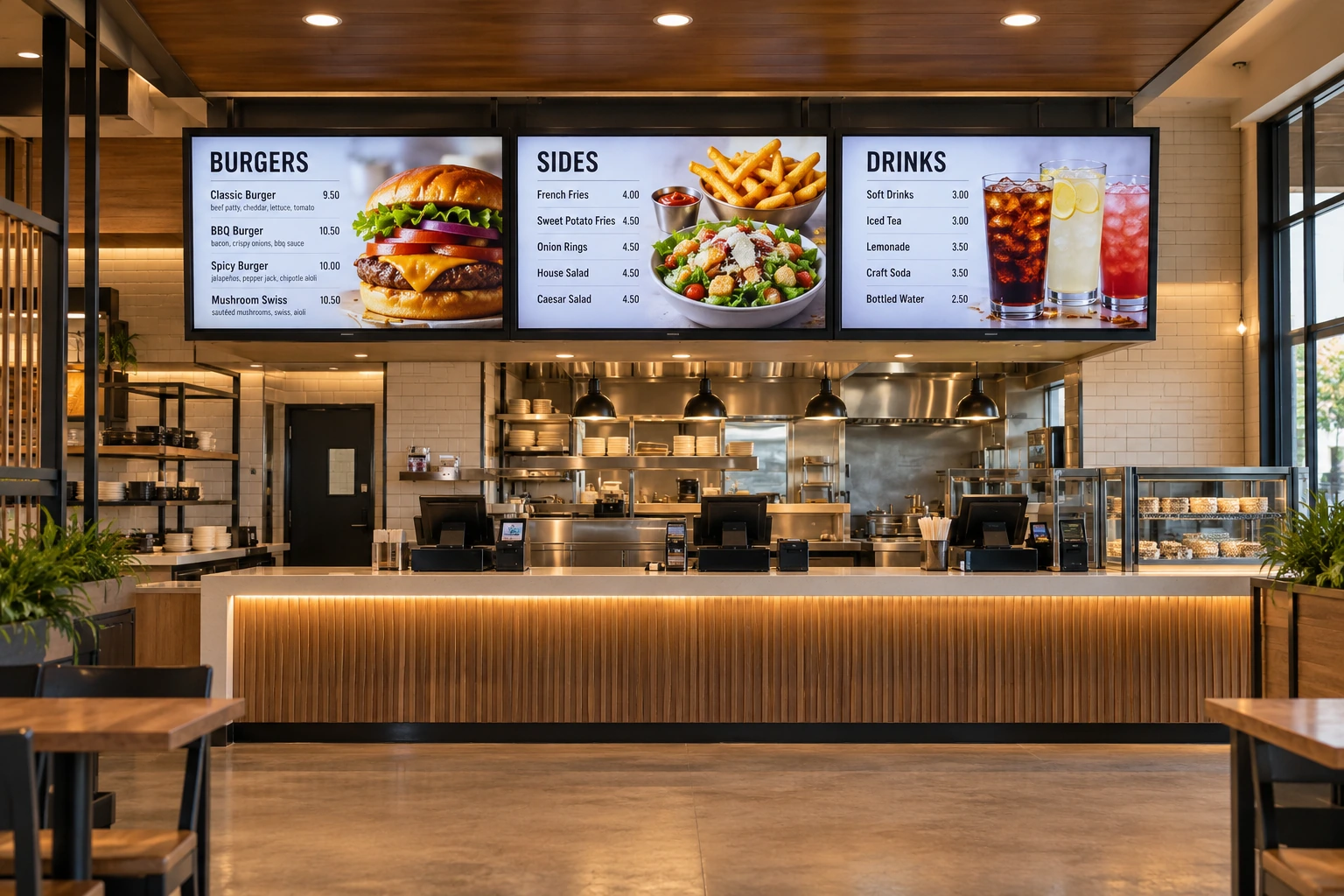
- Menu boardsDynamic pricing
- Kiosks and totemsTouch, where supported
- PlayersAndroid or Windows
-
Layer 02
Platform
The intelligence that manages content, devices and governance at scale.
- CMSCreate, approve, publish
- SchedulingPlaylists, dayparts
- Device managementMonitor, configure
- AnalyticsProof of play, SLA
- WorkflowsRules, approvals
- AccessRBAC, multi-tenant
-
Layer 03
Edge
The common SDK that keeps playback running under real conditions.
- Offline playbackLocal cache
- Resilient syncAuto recovery
- Heartbeat monitoringDevice health
- Secure commsTLS 1.2+
- Platform adaptersTizen, webOS, Android, Windows
-
Layer 04
Enterprise
Integration with the systems your organisation already runs.
- Web viewPages you control
- API variablesLive values in templates
- FeedsFeed widgets
- WeatherWeather widget
See the platform on your own estate.
A 30-minute walkthrough with a product specialist, using your industry, your hardware and your deployment model.