
Explainer

What is SoC-based digital signage?

System-on-Chip (SoC) signage runs the media player software on the computer already built into a commercial display, instead of on a separate box cabled behind it. The short version: one fewer device per screen.

Commercial displays from leading manufacturers such as Samsung, LG, Sharp/NEC, Panasonic and ViewSonic already ship with a processor, memory and storage. This page explains what that removes from every screen, the trade-offs, which displays support it and how playback survives a network outage.

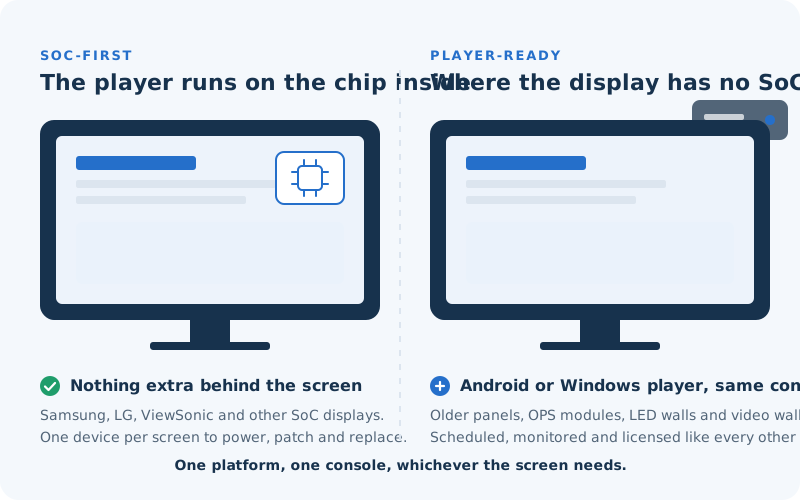
Left: a display whose built-in chip runs the Adverro player, with nothing behind it. Right: a display without a capable chip, driven by an Android or Windows player behind it.

What does SoC mean in digital signage?

SoC stands for System-on-Chip. Commercial displays from leading manufacturers such as Samsung, LG, Sharp/NEC, Panasonic and ViewSonic ship with a processor, memory and storage already inside the panel. SoC digital signage means the signage software runs on that built-in hardware, so a supported panel needs no external media player.

It is not related to SOC 2, which is a security audit framework. The two are frequently confused because the abbreviations look similar.
Why does removing the media player matter?

Every external player is a device to purchase, power, cable, mount, patch and eventually replace, at every single screen. On a large estate that is one additional device per screen, each with its own failure rate, its own firmware and its own power draw, and each a potential point of failure.

It is also the component most likely to fail. When a screen goes dark, the player is usually the reason, and fixing it means sending an engineer to the site.

What are the trade-offs?

SoC hardware is less powerful than a dedicated player. For most signage workloads (scheduled images, 4K video, dashboards, live data feeds) that is irrelevant. For very heavy interactive applications or real-time 3D, unusual synchronisation requirements, an external player may still be the right choice.

This is why Adverro supports both. Where a display cannot run Adverro on its own chip, or a workload needs more than the panel’s own hardware, a compact Adverro Android or Windows player drives the screen from the same platform, so an estate can migrate gradually rather than being replaced in one go.

  • Samsung Tizen
  • LG webOS
  • Sharp/NEC
  • Sharp
  • Panasonic
  • ViewSonic
  • Android
  • Windows

Which displays support it?

SoC displays from leading manufacturers, including Samsung (Tizen), LG (webOS), Sharp/NEC, Panasonic and ViewSonic (Android), plus Android and Windows players from other OEMs. Support varies by model and firmware generation, so the practical question for any estate is which specific panels you already own.

Supported displays

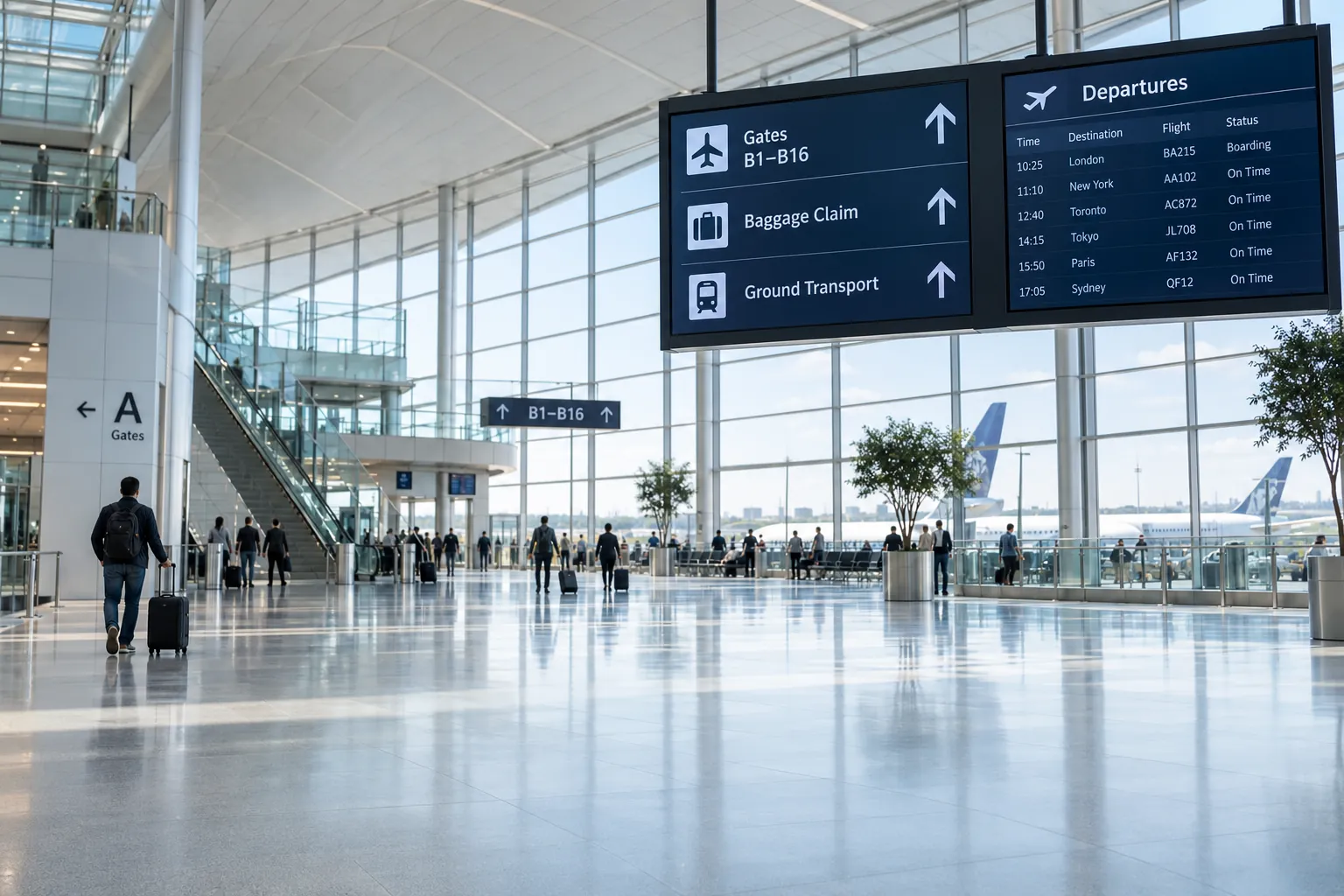
Flight information screens above an airport concourse

How does playback survive a network outage?

Each device holds a local cache of its assigned playlist and assets. If connectivity drops, playback continues from that cache with no buffering and no blank frames, then resynchronises automatically when the network returns.

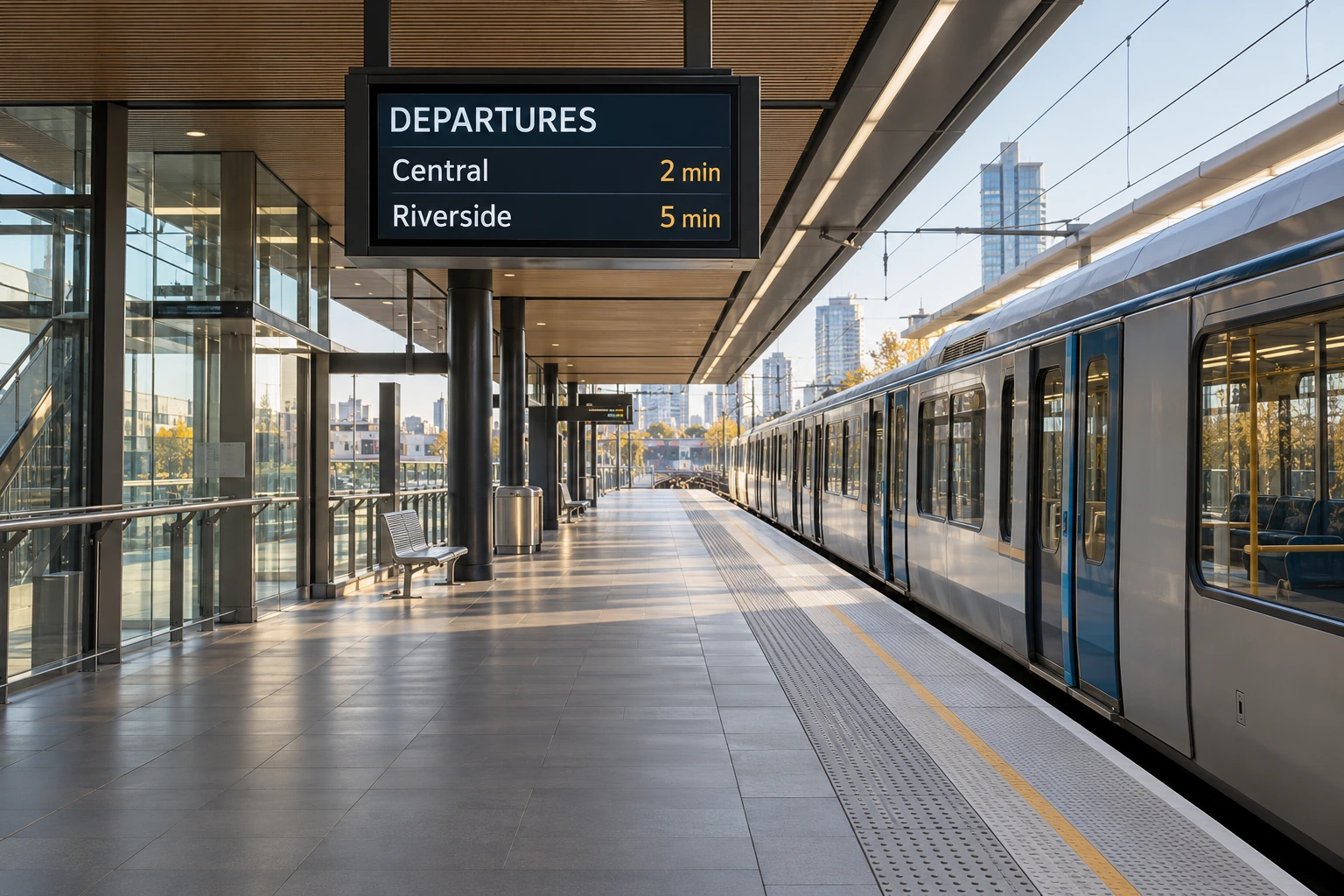
On an airport concourse or a railway platform this is not a convenience feature. A dark screen in a public space is a visible service failure.

  • Player hardware per screen
  • Installation labour
  • Power draw over the asset life
  • Failure rate and site visit cost
  • Replacement cycle

How do you calculate the saving?

Compare the total cost of ownership, not the subscription. Add the player hardware per screen, installation labour, power draw over the asset life, the failure rate and the cost of a site visit when one fails, then the replacement cycle. Subscription price is usually the smallest line in that calculation.

In short

SoC removes a device class. It does not remove the need for a platform.

The chip inside the display can run a player. What it cannot do on its own is schedule content across sites, enforce approval workflows, report proof of play, apply role-based access, push patches centrally, or tell you a screen went dark before a customer does. That is the platform’s job, and it is where the difference between vendors actually lies.

See it running on your own displays.

Tell us which panels you already own and a product specialist will confirm what is supported and what it would replace.