
Use case, walls
Video walls and LED walls
A panel wall is driven as one device from a Windows PC, and an LED wall through its processor, so each changes as one, is licensed once and is monitored like every other screen in the estate.
Any LED wall with a standard processor, such as a Novastar or Colorlight controller, can run Adverro, and every wall is scheduled from the same platform as the rest of the estate.
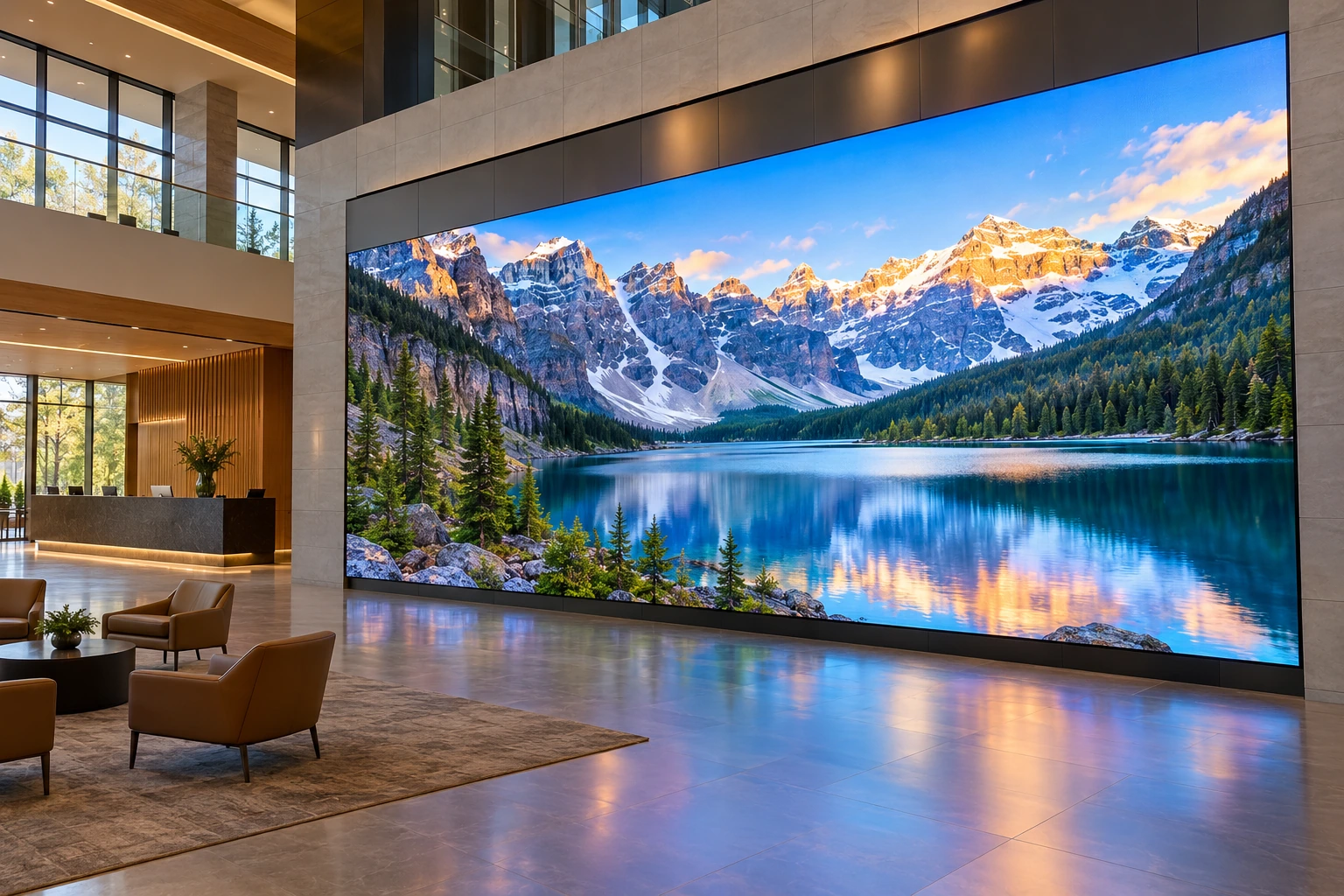
Panel walls
One PC drives the whole wall.
A panel wall is not a set of screens each running its own copy of the player and trying to agree on a moment. It runs through one Windows PC running the Adverro player, which drives every physical panel in the wall through daisy-chained (looped) displays or a video wall processor, and the platform registers the whole wall as one device.
Synchronisation | By default, because the panels are outputs of one machine rather than independent players. |
Licensing | One licence for the wall, not one per panel, because the platform counts registered devices. |
Size and resolution | No fixed limit beyond what the PC’s hardware can output, so the PC’s specification is settled at the site survey with the panel models. |
The wall PC | A Windows PC running Adverro on Windows 10 or later, feeding the panels through a daisy-chain or a video wall processor. |
LED walls
The processor does the mapping. Adverro feeds it.
An LED wall takes its picture from an LED processor, such as a Novastar or Colorlight controller, which maps an ordinary video signal onto the LED modules. The Adverro player connects to that processor over HDMI, so any LED wall with a standard processor can run Adverro.
Because the wall is fed by one player, it is one registered device and one licence, and it is scheduled and monitored from the same platform as every other screen.
Running a wall
The same platform as every other screen.
Scheduling
Playlists, dates, weekdays and cron expressions work on a wall exactly as they do on a single panel, published by tag like everything else.
Content
Video in any codec, prepared automatically in versions encoded for the display; live streams over HLS and WebRTC; YouTube live with audio; and web views of pages you control.
Monitoring
Playback traces from the wall feed proof of play and uptime, and the wall counts as offline after five minutes without one, like any other screen.
A row of screens is not a wall
Screens that each run Adverro on their own chip, a row down a concourse for example, are separate devices, each registered, licensed and scheduled in its own right.
For the site survey
What to have ready.
The wall | Its layout, in panels across and down, and the panel models. |
The PC | Where the wall PC will sit, and whether the panels are daisy-chained or fed through a video wall processor. |
LED | The processor make and model, and where its HDMI input is. |
The network | The outbound destinations in the network requirements, allowed from wherever the PC or player sits. |
Content | Any external sources the wall will show, such as a live stream or a web page, so their addresses can be allowed too. |
Planning a wall?
Bring the layout and the panel or processor models to a demo, and we will specify the wall PC and the panel chain with you.