
Reference, failure taxonomy
How screens go dark
A screen showing the wrong thing, or nothing at all, is the only failure your customers actually see. This is every way it happens on an estate we run, sorted by the one thing that decides what it costs you: whether somebody has to stand in front of the panel.
Most of these faults are cleared from the platform without a site visit. Running the player on the panel, rather than on a box behind it, removes a whole category of the ones that need a technician.
The distinction that matters
Remote or on site, not major or minor.
Signage faults are usually classified by severity, which is the wrong axis for anyone operating an estate. A trivial fault that needs a technician at an airside gate costs more than a serious one you can clear from a desk. The question that decides your operating cost is whether the fix requires physical access.
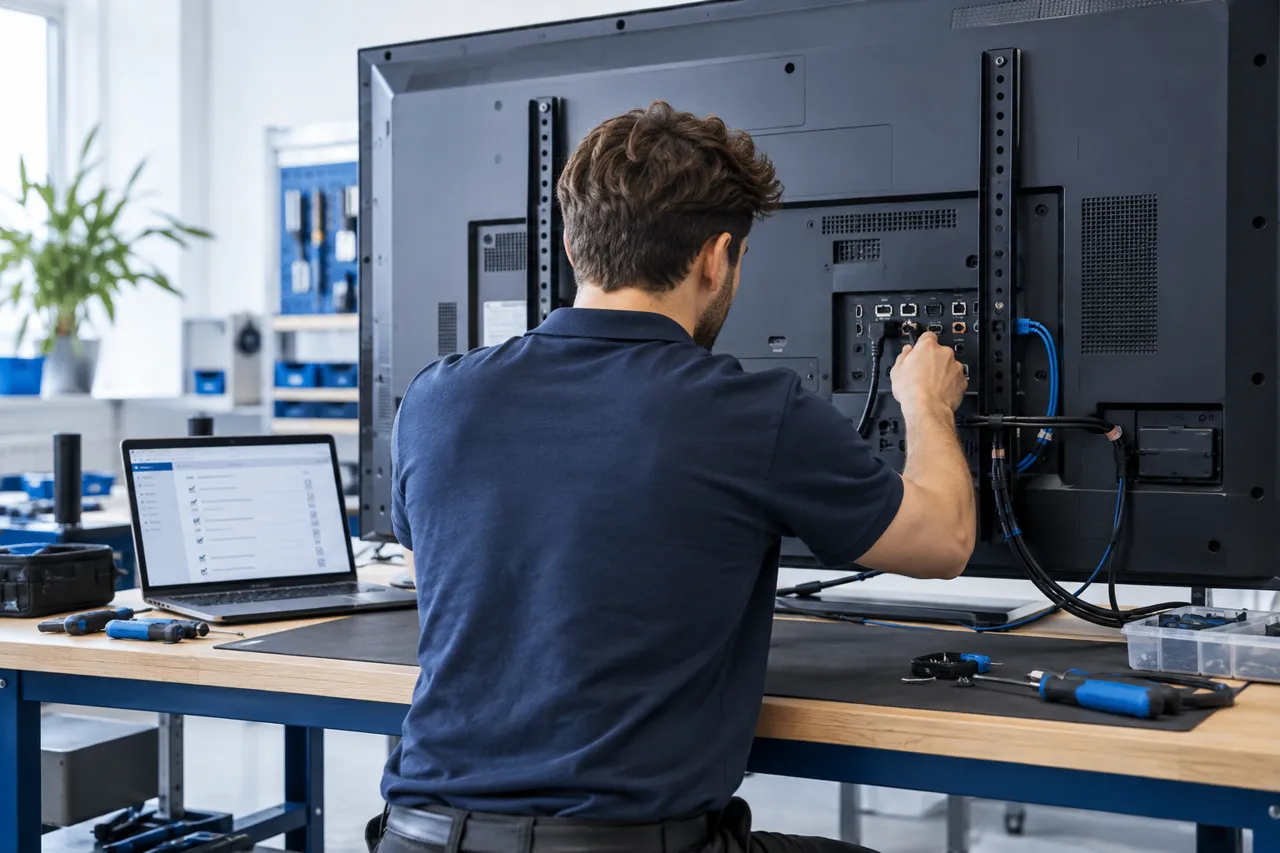
That is also the argument for running the player on the panel rather than on a box behind it. An external media player adds an entire class of faults that can only be cleared on site: the player’s own power supply, its cabling, its storage, its operating system and eventually its replacement. Removing the player does not make the remaining faults rarer. It removes a category of them from the list below.
Content and scheduling
The screen is fine. What it was told to show is not.
The most common cause of a wrong or blank screen is not a fault at all. It is a schedule doing exactly what it was told. These are all cleared from the platform.
| Fault | How you find out | Clearing it |
|---|---|---|
| Empty playlist A zone or daypart has no content assigned, so the panel renders nothing. | Device reports healthy, playback reports nothing playing. | Remote Assign content to the zone. |
| Expired asset Every item in the playlist has passed its end date, usually after a campaign ends and nothing replaces it. | Playback stops at a predictable time, often midnight. | Remote Extend or replace the campaign. |
| Schedule gap Dayparts do not join up, leaving an uncovered window, most often overnight or on public holidays. | Blank at the same time each day. | Remote Close the gap or set a default. |
| Timezone or clock drift The panel’s clock differs from the schedule’s timezone, so content switches at the wrong local time. | Content correct but consistently early or late. | Remote Correct the timezone policy. |
| Approval not applied Content is uploaded but never approved, so it never reaches the device. | Item sits in the workflow rather than the playlist. | Remote Complete the approval. |
Software on the panel
The application stops behaving.
These are faults in the player itself. All of them are visible from the platform, and all of them are cleared without a site visit. The daily restart we recommend exists mostly to keep the last two off this list.
| Fault | How you find out | Clearing it |
|---|---|---|
| Application hang The player stops advancing the playlist and holds the last frame, which is worse than blank because it looks correct from a distance. | Playback timestamps stop advancing while the device still reports in. | Remote Restart the application remotely. |
| Failed asset download A large file does not finish transferring, so the item is skipped. | Asset shows as pending on that device only. | Remote Re-queue the asset. |
| Cache inconsistency The local cache and the scheduled playlist disagree after an interrupted sync. | One device plays an older playlist than its group. | Remote Force a resync. |
| Memory growth over long runtime Any long-running application accumulates state, which is what the scheduled daily restart is for. | Gradual, and easy to miss without a baseline. | Remote The scheduled daily restart prevents it. |
| Firmware behaviour change A panel firmware update alters browser or media behaviour on one generation. | One model behaves differently from the rest of the estate. | Remote Pin the firmware or adjust the build. |
Network and account
The screen is fine. It just cannot reach anything.
This is the category most operators expect to be the worst, and it is usually the least damaging, because playback continues from the local cache while the connection is gone, until the panel’s licence token expires. The cache is limited only by the panel’s storage, and a scheduled change still happens on time offline if its content was downloaded before the connection went. A network fault becomes visible when new content needs to reach the screen, not the moment it happens.
| Fault | How you find out | Clearing it |
|---|---|---|
| Connection lost Wi-Fi drop, a switch reboot, a DHCP lease not renewed, or a cable disturbed in a ceiling void. | Marked offline after five minutes without a trace. Playback continues. | Remote Often clears itself. Physical faults do not. |
| DNS or proxy change The estate’s network changes underneath the screens, usually during unrelated IT work. | Several devices at one site stop checking in together. | Remote Network change, not a panel change. The destinations panels need are in the network requirements. |
| Captive portal A guest network requires a browser login the panel cannot complete. | Device appears online to the network and offline to the platform. | On site Move the screens to a wired or dedicated VLAN. |
| Licence expiry There is no grace period. When a licence expires, access stops at that point rather than continuing for a window. | Notified in advance through the portal and by email. | Remote Renew before the date. This one is a diary entry, not a fault. |
The panel and the room
The faults that need somebody there.
This is the expensive category, and it is the one no software removes. What the platform changes is how quickly you know, and whether you send someone to the right screen with the right part.
| Fault | How you find out | Clearing it |
|---|---|---|
| Power lost at the panel A tripped circuit, a switched socket, or cleaning staff unplugging a standee. | Device disappears entirely, usually alongside its neighbours. | On site Someone has to restore power. |
| Panel in standby or wrong input The panel is on but not showing its internal source, often after maintenance by another contractor. | Hard to distinguish remotely from a power loss. | On site Physical access, unless the panel accepts a remote power command. |
| Thermal shutdown A panel in direct sun or a poorly ventilated enclosure protects itself. | Repeated failures at the same position, often at the same time of day. | On site Fix the enclosure, not the screen. |
| Backlight or panel failure The display hardware itself reaches end of life while the player carries on. | The platform cannot see this. The device is still playing and still producing playback traces, so it counts as running. Somebody has to look at the screen. | On site Panel replacement. |
| Physical damage Impact, vandalism or water ingress, which public estates see more than offices. | Reported by a person, not by the platform. | On site Replacement. |
What the platform sees
The categories are structural.
The faults above follow from how a screen estate is built, and they hold whether a fault happens twice a year or twice a month. An operator clears a fault by knowing where it sits, not by knowing how rare it is.
Uptime in the platform is derived from playback traces: every time a piece of content runs on a device it produces a trace, and availability is calculated from those. That catches a device that has stopped playing, stopped syncing or dropped off the network. It does not catch a panel that is playing to a dead backlight, because the traces keep arriving. Anything in the last table on this page is found by a person on a walk-round.
If you are comparing platforms, the useful question is which of the faults on this page a platform can show you, and which ones it cannot.
See the fault list on your own estate.
A walkthrough of the device platform against your sites, your panels and the faults you actually get, rather than a feature tour.